Running Google Ads can be exciting — but managing multiple campaigns, keywords, ads, and budgets manually inside the browser can sometimes feel overwhelming.
That’s where Google Ads Editor becomes your secret weapon.
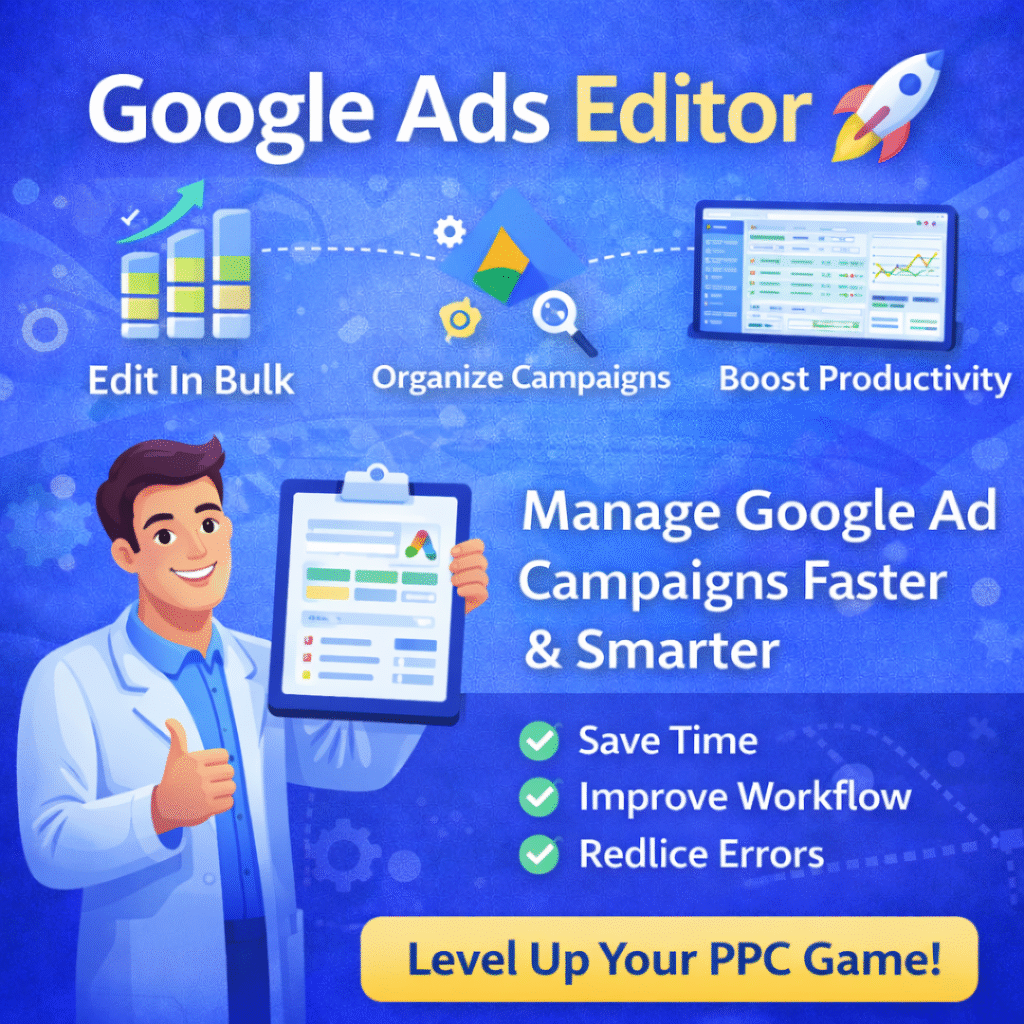
If you manage Google Ads campaigns regularly, this free tool can save you time, reduce errors, and improve your workflow dramatically.
Let’s understand it in simple terms.
What Is Google Ads Editor?
Google Ads Editor is a free, downloadable application from Google that allows you to manage your Google Ads campaigns offline.
Instead of making changes directly in the browser, you can:
- Download your campaigns
- Edit them in bulk
- Make multiple changes quickly
- Upload everything back in one go
Think of it like an advanced control panel for your Google Ads account.
Why Google Ads Editor Is So Powerful
Have you ever faced these situations?
- You need to change bids for 100 keywords.
- You want to pause multiple ads at once.
- You want to duplicate campaigns quickly.
- You want to test different ad copies across many ad groups.
Doing this manually in the browser can take hours.
With Google Ads Editor, you can do it in minutes.
Key Features of Google Ads Editor
Let’s break it down into simple points.
1️⃣ Bulk Editing Made Easy
You can:
- Replace text in multiple ads at once
- Adjust bids in bulk
- Pause or enable campaigns instantly
- Copy & paste campaigns easily
This is especially useful for agencies or advertisers managing large accounts.
2️⃣ Work Offline
One of the biggest advantages:
You don’t need an internet connection while editing.
You download your account, make all the changes offline, and upload them later.
Perfect for:
- Planning campaigns
- Preparing seasonal promotions
- Making structured changes without distractions
3️⃣ Advanced Search & Filter Options
You can quickly filter:
- Keywords with low Quality Score
- Ads with low CTR
- Campaigns with high spend
- Disapproved ads
This makes optimization much faster.
4️⃣ Faster Campaign Creation
Want to create 20 ad groups quickly?
You can:
- Create one structure
- Copy it
- Modify keywords
- Adjust ad copy
- Upload everything in minutes
This speeds up scaling.
Who Should Use Google Ads Editor?
Google Ads Editor is ideal for:
- Digital marketing agencies
- PPC specialists
- Freelancers managing multiple clients
- Businesses running large-scale campaigns
- Advertisers who love efficiency
If you run only one small campaign occasionally, the web interface may be enough.
But if you manage serious ad budgets — this tool is a must.
How Google Ads Editor Improves Productivity
Let’s compare quickly:
| In Browser | In Ads Editor |
|---|---|
| Manual editing | Bulk editing |
| Slow copy-paste | Instant duplication |
| One change at a time | Multiple changes together |
| Internet required | Offline work possible |
That’s a big difference.
Common Mistakes to Avoid While Using Google Ads Editor
Even powerful tools need careful handling.
Here are some tips:
- Always download latest changes before editing.
- Double-check before uploading.
- Use draft campaigns for testing.
- Review error messages carefully.
- Avoid uploading incomplete campaigns.
Small mistakes in bulk editing can create big issues — so review before pushing live.
Step-by-Step: How to Use Google Ads Editor
Here’s a simple overview:
- Download Google Ads Editor from Google’s official website.
- Install the application.
- Log in with your Google Ads account.
- Download your campaigns.
- Make changes offline.
- Check errors.
- Upload changes.
That’s it.
Simple and efficient.
Is Google Ads Editor Safe?
Yes.
It is an official Google tool designed specifically for advertisers. Your account remains secure as long as you:
- Download from official sources
- Use secure login
- Protect account access
Final Thoughts
Google Ads Editor is like a power tool for serious advertisers.
It saves time.
It improves accuracy.
It makes scaling easier.
It increases efficiency.
If you are running multiple campaigns or managing clients, this tool can completely transform how you work.
Instead of spending hours making small changes, you can focus on strategy, creativity, and optimization.
That’s where real growth happens.